Set up your vault
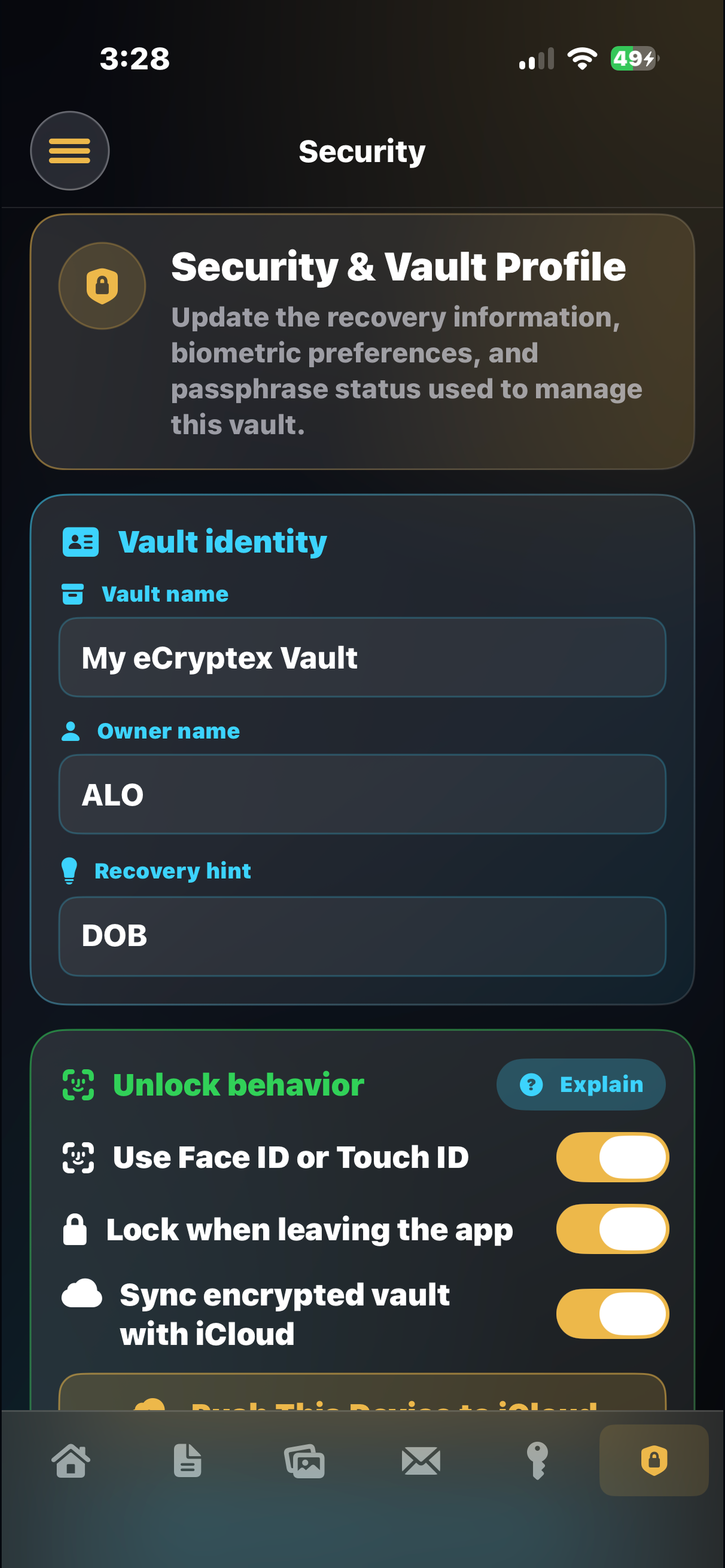
Create the app passphrase and enable supported iOS unlock options for quicker access.
eCryptex Vault helps you organize sensitive documents, password records, website records, and private notes in a focused local vault experience.
$4.99 one-time app purchase. Get your private vault set up today.
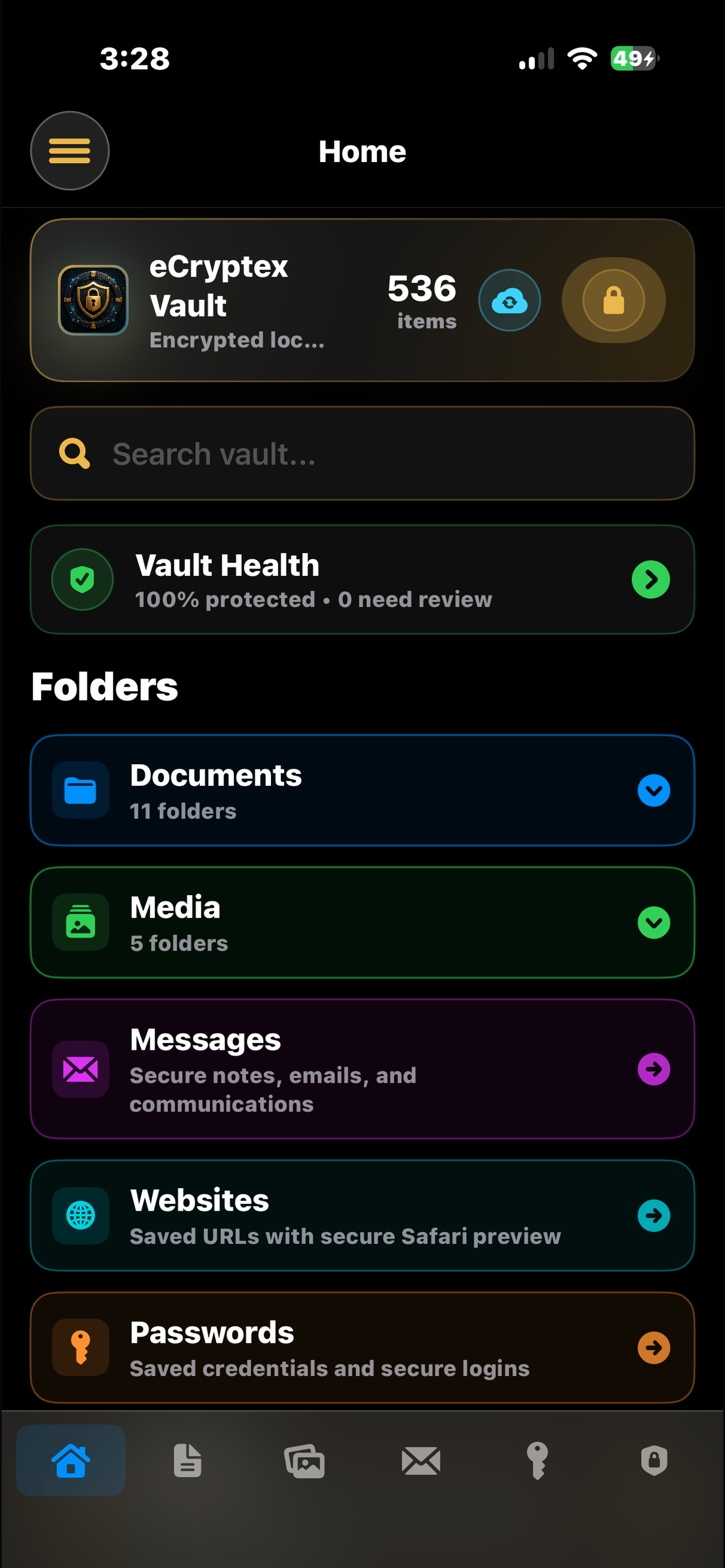
The app is built for people who want one place to prepare, organize, and review important personal information without turning the website into another account dashboard.
Create the app passphrase and enable supported iOS unlock options for quicker access.
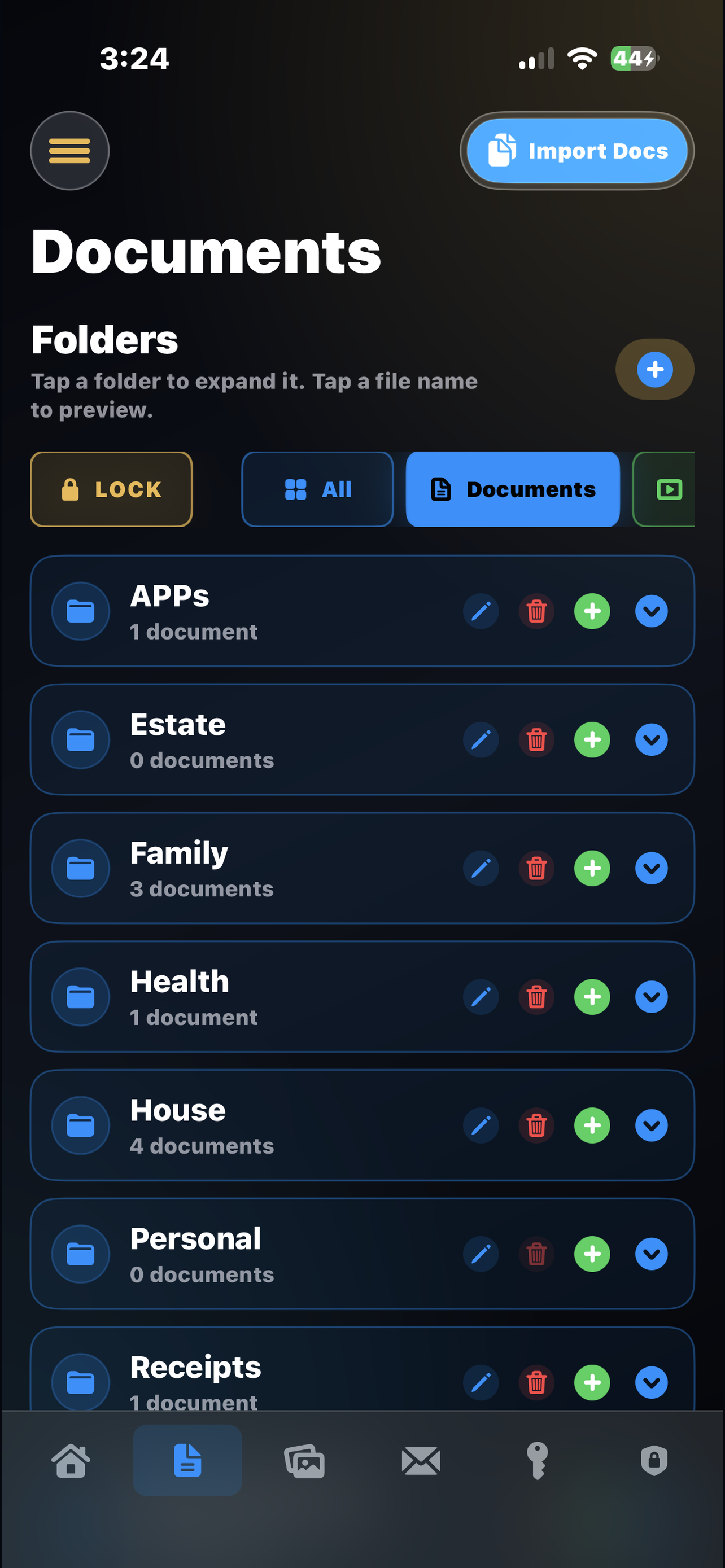
Organize documents, folders, website records, password records, and private notes by category.
Use the app as a quiet command center for the records you need to find quickly.
The public website now points users to the iPhone app, App Store information, support, and policy pages. The product experience lives on the device.
Group personal files and references in a structure that is easy to scan.
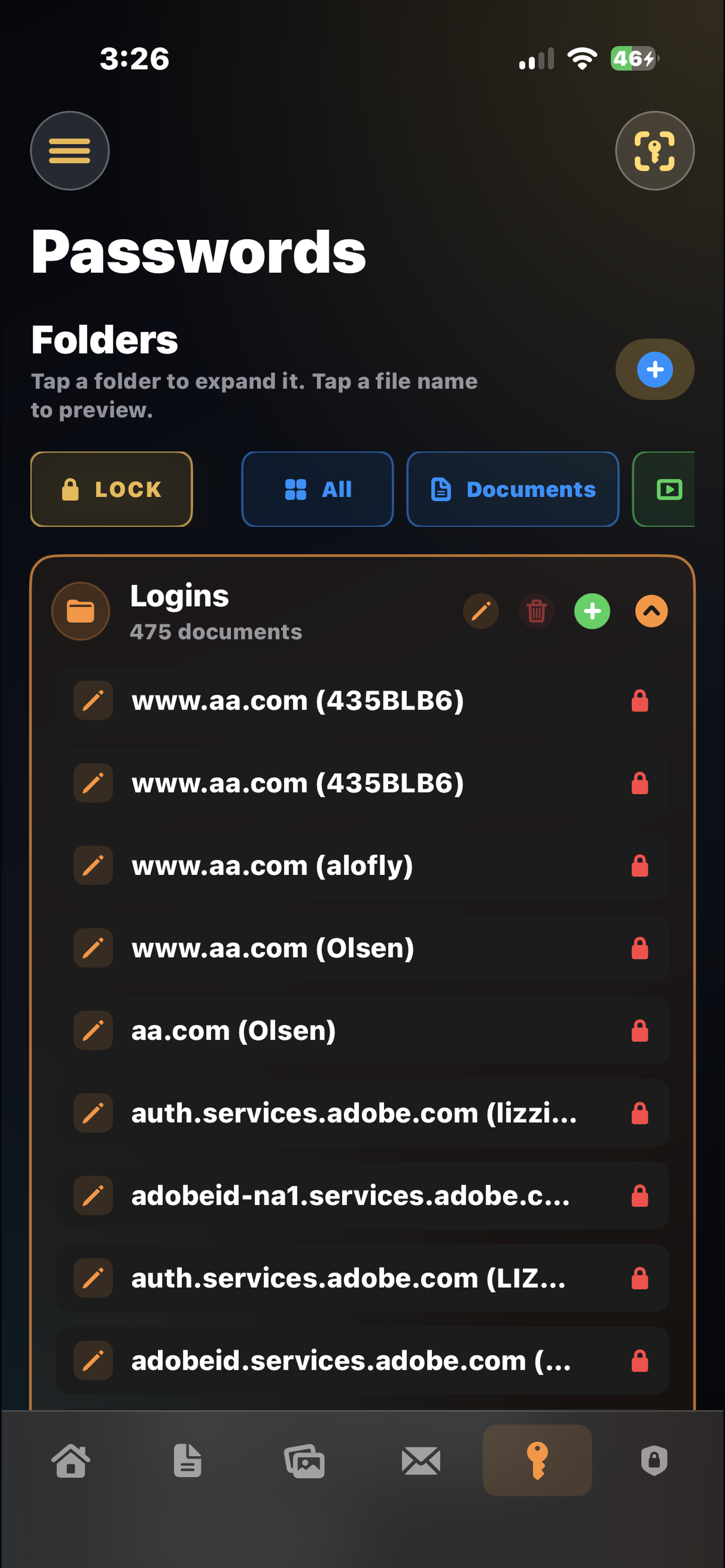
Keep private login-related records alongside the rest of your vault information.
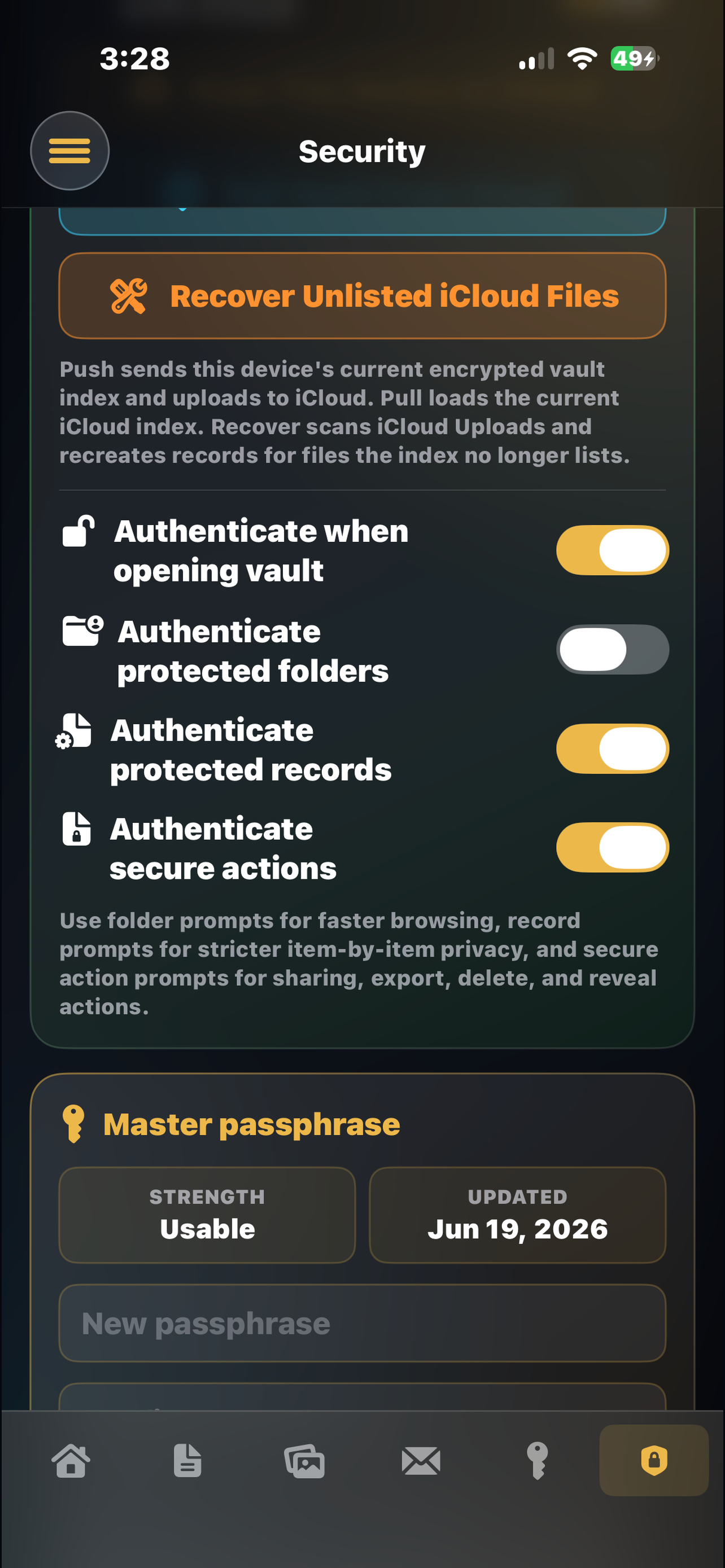
Review passphrase and biometric options in a dedicated security area.
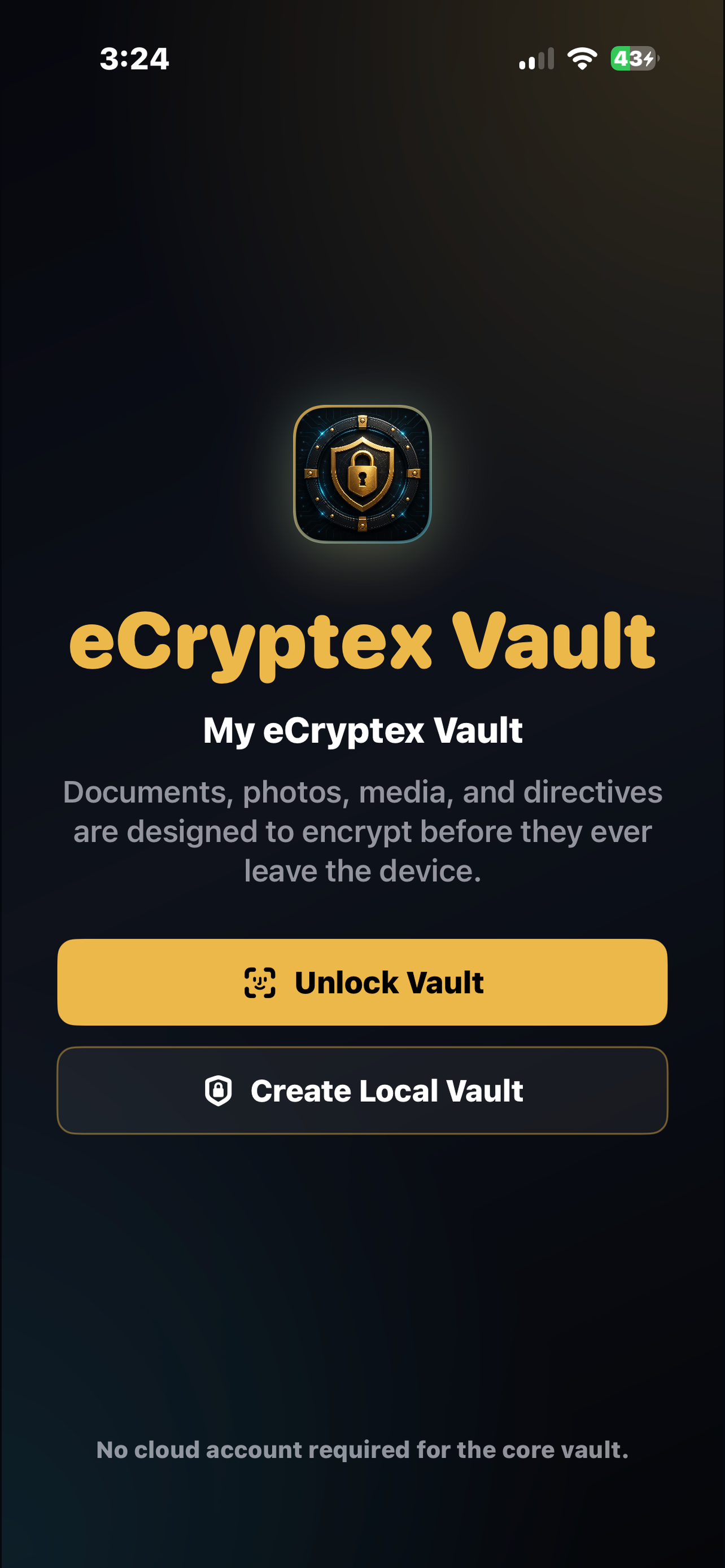
Start from a direct vault entry screen designed around private access.
For App Store review and for users, the site should clearly explain the local vault model, deletion route, and support expectations.
Use these pages for App Store Connect fields and for users who need help before or after installing the app.
$4.99 to start organizing the records you do not want scattered across devices, notes, and email.
Help topics, contact email, and safe support expectations.
Open supportLocal vault model, biometrics, sharing, and deletion notes.
Read policyBasic use terms for the iOS app and support site.
Read termsHow users can remove local vault information and request support.
Deletion info